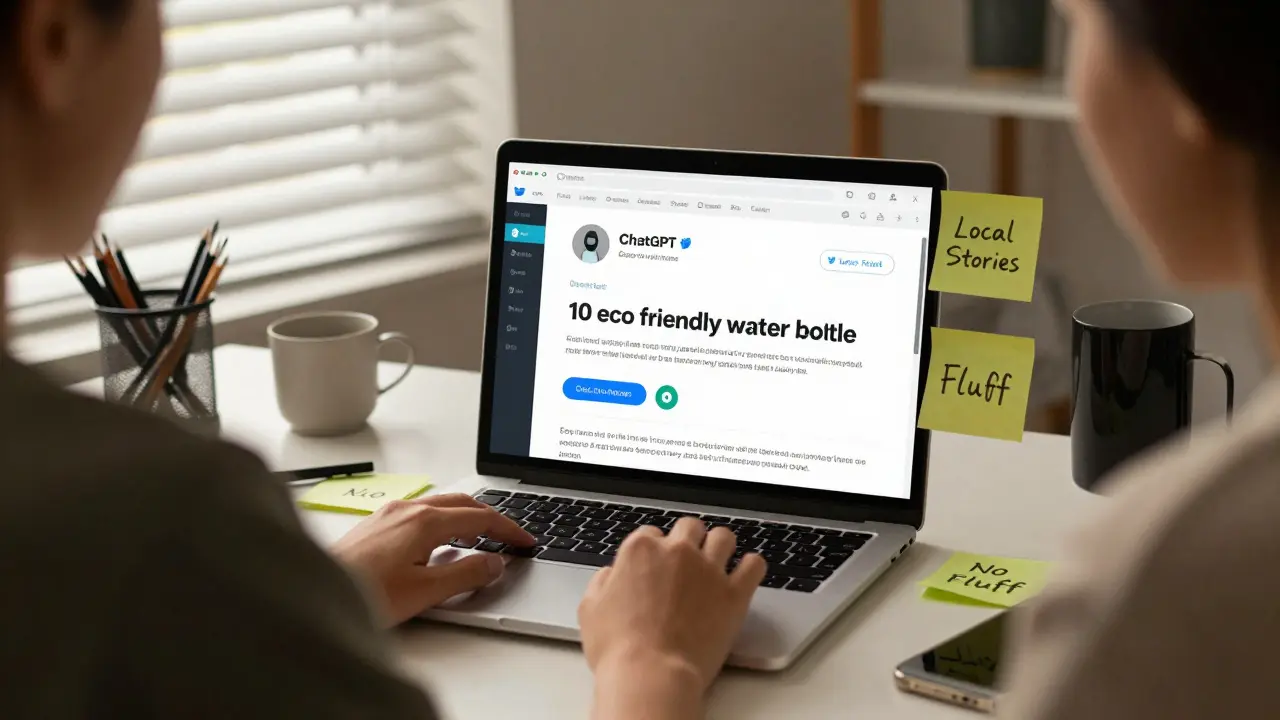
How to Use ChatGPT for Social Media Marketing: A Practical Guide

Stop staring at a blank screen. If you are a social media manager or a business owner trying to keep up with the daily demand for posts, that feeling of creative block is familiar. It used to take hours to brainstorm captions, plan weeks of content, and reply to comments. Now, tools like ChatGPT is an advanced artificial intelligence language model developed by OpenAI designed to generate human-like text based on user prompts. Released in late 2022, it has rapidly become a staple for marketers seeking efficiency. can do the heavy lifting for you. But simply typing "write me a post" isn't enough. You need a strategy to make the output sound like *you*, not a robot.
The goal here isn't to replace your creativity; it's to amplify it. By using ChatGPT effectively, you can cut your planning time in half while keeping your brand voice consistent. This guide breaks down exactly how to integrate this tool into your workflow without losing the human touch that drives real engagement.
Building Your Brand Voice Profile
The biggest mistake people make when using AI for social media is accepting generic outputs. If you ask ChatGPT to write a tweet about coffee, it will give you something safe and boring. To get results that actually convert, you first need to train the AI on who you are.
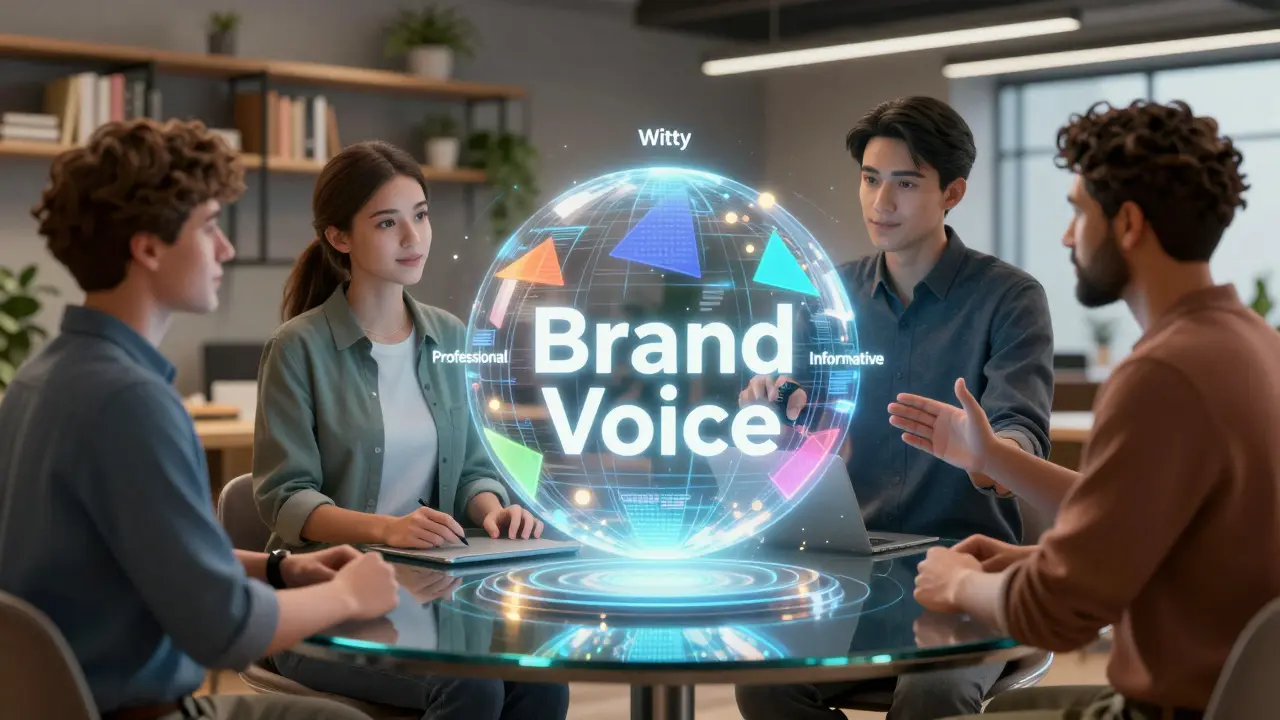
Create a "Brand Voice Document." This doesn't have to be a formal PDF. Just a list of traits. Are you witty? Professional? Sarcastic? Encouraging? Feed these traits into ChatGPT before asking for content. For example, tell the AI: "Act as a social media manager for a sustainable fashion brand. Our tone is playful but informative. We use emojis sparingly and avoid jargon."
- Define Tone: Specify if you are formal, casual, humorous, or authoritative.
- List Taboos: Tell the AI what words or phrases to never use (e.g., "synergy," "game-changer").
- Provide Examples: Paste three of your best-performing past posts so the AI can analyze the structure and style.
Once you set this context, every subsequent request will align with your brand identity. This step takes ten minutes but saves hours of editing later.
Ideation and Content Calendars
Running out of ideas is the number one killer of consistency. ChatGPT excels at divergent thinking-generating many options quickly. Instead of asking for one post, ask for a month’s worth of themes.
Try this prompt structure: "Generate 30 unique content ideas for [Your Niche] focused on [Specific Goal, e.g., lead generation]. Include a mix of educational, entertaining, and promotional posts. Format as a table with columns for Topic, Hook, and Call-to-Action."
| Topic | Hook | Call-to-Action |
|---|---|---|
| 5 Mistakes in Email Marketing | You’re losing subscribers because of this one error... | Download our checklist below. |
| Behind the Scenes | What our office looks like on a Monday vs. Friday. | Tag a coworker who needs this energy. |
| Product Launch Teaser | Something big is coming next Tuesday... | Join the waitlist. |
This approach gives you a skeleton to build upon. You still need to add the specific details and visuals, but the structural work is done. Review the list, pick the strongest five, and schedule them. This method ensures you always have a buffer of content ready to go.
Crafting Platform-Specific Copy
Each social platform has its own rules. What works on LinkedIn fails on TikTok. ChatGPT understands these nuances if you specify the platform in your prompt. Here is how to tailor your requests for the major networks.
LinkedIn: Focus on professional insights and storytelling. Ask ChatGPT to expand bullet points into narrative paragraphs. Use prompts like: "Rewrite this technical update into a personal story about overcoming a challenge in project management. Keep it under 150 words."
Instagram: Visuals come first, but captions drive saves and shares. Ask for short, punchy hooks followed by value-driven body text. Request specific emoji usage that matches your brand colors or vibe. Example: "Write an Instagram caption for a new skincare product. Highlight the key ingredient 'niacinamide' and include three relevant hashtags."
Twitter/X: Brevity is king. Ask for threads. Prompt: "Turn this blog post summary into a 5-tweet thread. Each tweet should be under 280 characters. End with a question to encourage replies."
TikTok/Reels: Scripts matter more than captions. Ask for spoken-word scripts. Prompt: "Write a 30-second script for a TikTok video explaining how to organize a desk. Include visual cues in brackets like [Show messy desk] and [Cut to clean desk]."
Engagement and Community Management
Posting is only half the battle. Responding to comments and DMs builds loyalty. ChatGPT can help you draft responses that feel personal even when you are managing hundreds of interactions.
Copy-paste a user comment and ask ChatGPT to generate three response options: one friendly, one helpful, and one witty. Then, tweak the chosen response to add a specific detail from their profile or previous interaction. This hybrid approach scales your community management without sounding automated.
Be careful with sensitive topics. Never let AI handle complaints about service failures or controversial issues automatically. Always review those responses personally. Empathy is hard for AI to fake convincingly, and users can spot insincerity instantly.
Visual Briefs and Image Prompts
While ChatGPT generates text, it can also guide your visual strategy. If you use image generation tools like Midjourney or DALL-E, ChatGPT can write the detailed prompts needed to create those images.
Describe the mood, lighting, style, and subject. For example: "Write a prompt for an AI image generator to create a minimalist illustration of a remote worker in a cozy cafe. Style: flat vector art. Colors: pastel blue and warm yellow. No text in the image."
Additionally, ask ChatGPT to suggest alt-text for accessibility. Good alt-text improves SEO and ensures your content is inclusive. Prompt: "Write descriptive alt-text for an image showing a team brainstorming session with sticky notes on a wall."
Avoiding Common Pitfalls
Using AI for social media comes with risks. The most significant is hallucination-when the AI makes up facts. Always verify statistics, dates, and quotes generated by ChatGPT. Do not trust it blindly. Treat its output as a first draft, not the final truth.
Another risk is homogenization. If everyone uses the same prompts, all brands start sounding alike. Differentiate yourself by adding unique anecdotes, local references, or industry-specific slang that the AI wouldn't naturally know. Inject your personality back into the text after the initial generation.
Finally, stay updated on platform policies. Some platforms require disclosure if content is AI-generated. Check the latest guidelines for transparency requirements to maintain trust with your audience.
Measuring Success and Iterating
How do you know if your ChatGPT strategy is working? Look at your metrics. Compare engagement rates on AI-assisted posts versus fully manual ones. Pay attention to saves, shares, and comments, not just likes. These deeper interactions indicate value.
If a post performs poorly, analyze why. Was the hook weak? Was the call-to-action unclear? Feed this feedback back into your next prompt. Tell ChatGPT: "The last post had low engagement. Rewrite the hook to be more provocative and shorter."
Continuous iteration is key. The AI learns from your corrections over time within a single session, but building a library of successful prompts is even better. Save your best-performing prompt structures and reuse them for future campaigns.
Is it ethical to use ChatGPT for social media marketing?
Yes, as long as you disclose AI usage where required by platform policies and ensure the content adds genuine value. Transparency builds trust. Many brands now label AI-assisted content to manage expectations.
Can ChatGPT write viral posts?
It can help craft elements that contribute to virality, such as strong hooks and clear calls-to-action. However, virality often depends on timing, cultural relevance, and luck, which AI cannot predict. Human intuition remains crucial for spotting trends.
How do I prevent my AI content from sounding robotic?
Add personal anecdotes, vary sentence length, and use contractions. Edit the output to remove overly formal transitions like "furthermore" or "in conclusion." Read the text aloud to check for natural flow.
Does ChatGPT understand current memes and trends?
Its knowledge cutoff limits real-time trend awareness. You must provide context about current memes or trends in your prompt. Rely on your own research for timely cultural references to ensure relevance.
What is the best way to store my ChatGPT prompts?
Use a shared document or a dedicated note-taking app. Categorize prompts by platform, purpose (e.g., ideation, copywriting), and performance. Tag high-performing prompts for easy access during future campaigns.