Streamline Your Twitter Strategy with ChatGPT
Posting on Twitter every day feels like running on a treadmill-you’re moving, but not getting anywhere. You spend hours drafting tweets, checking analytics, and guessing what’ll go viral. What if you could cut that time in half and still get better results? That’s where ChatGPT comes in. It’s not magic, but it’s close.
Stop guessing what to post
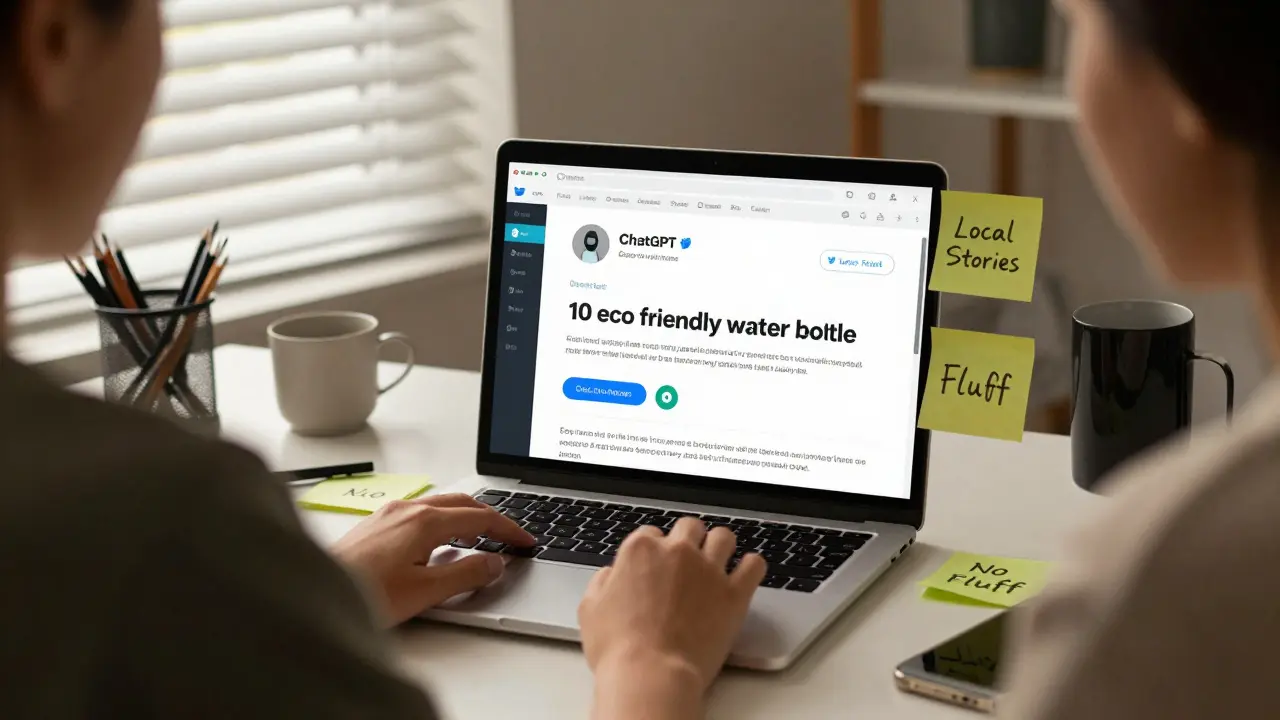
Most people post on Twitter because they think they should, not because they have a plan. You scroll through trending topics, grab a headline, slap on a hashtag, and hit post. Rinse and repeat. But that’s not a strategy. That’s noise. ChatGPT helps you stop guessing. Give it a simple prompt like: "Generate 10 tweet ideas for a small business selling eco-friendly water bottles in Australia". In seconds, you get a list of posts that match your audience’s interests-not just generic advice like "Be authentic!" One user in Melbourne used this to post daily for 30 days. Their follower count jumped 42% without running ads. Why? Because each tweet was specific: "Why your plastic water bottle is costing you $200 a year," or "How a Canberra teacher switched to reusable bottles and saved 1,200 plastics in 6 months." Real stories. Local angles. No fluff.Write tweets that sound like you
A lot of people think AI-generated content sounds robotic. That’s because they use vague prompts like: "Write a tweet about Twitter". That’s like asking someone to cook without telling them what dish. Try this instead: "Write a tweet in a casual, slightly sarcastic tone about how people say they’re busy but still scroll Twitter for 45 minutes. Use Australian slang. Keep it under 280 characters." ChatGPT nails the tone. It knows how to say "she’ll be right" instead of "it’ll be fine." It uses contractions. It drops words. It sounds like a real person who’s had one too many coffees at 10 a.m. You can even feed it your past tweets. Copy 5 of your best-performing posts into ChatGPT and say: "Analyze these. Write 10 more in the same style." It learns your voice. No more sounding like a corporate bot.Build a content calendar in 10 minutes
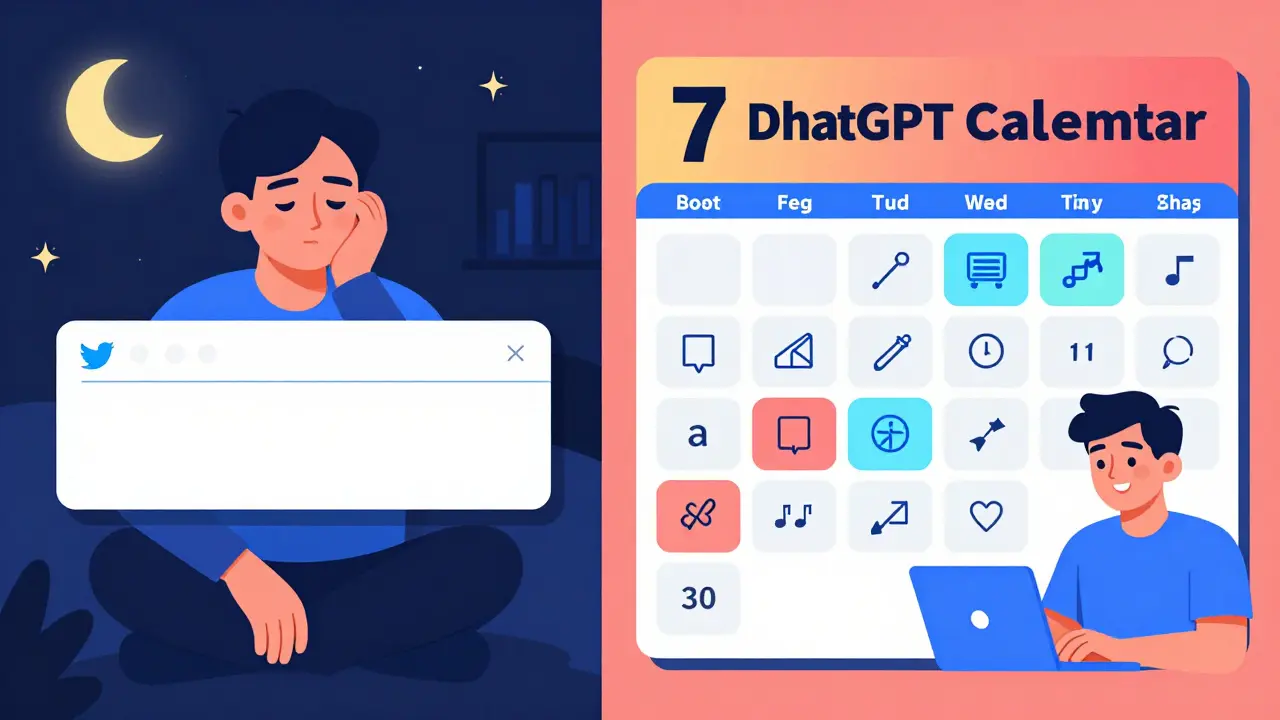
You don’t need a fancy tool to plan your week. You just need a spreadsheet and ChatGPT. Start by listing your goals: "Grow followers," "Drive traffic to my blog," "Get more DMs about my coaching". Then ask ChatGPT: "Create a 7-day Twitter content calendar based on these goals. Include a mix of educational, engaging, and promotional tweets. Add suggested posting times for Australia Eastern Time." It gives you something like:- Monday: Tip post (8:30 AM AEST) - "3 ways to reply to Twitter replies without sounding robotic"
- Tuesday: Poll (12:00 PM AEST) - "What’s your biggest struggle with Twitter? A) Time B) Ideas C) Engagement D) Algorithms"
- Wednesday: Story (7:00 PM AEST) - "I almost quit Twitter last year. Here’s what changed."
- Thursday: Resource (9:00 AM AEST) - "Free template: My Twitter content planner" (link in bio)
- Friday: Fun post (5:00 PM AEST) - "When your tweet gets 12 likes and you’re convinced it’s going viral..."
- Saturday: Question (11:00 AM AEST) - "What’s one thing you learned on Twitter this week?"
- Sunday: Recap (6:00 PM AEST) - "Top 3 tweets this week + why they worked"
Turn replies into content
Most people ignore replies. That’s a mistake. Every reply is a signal. Someone cared enough to respond. That’s gold. Copy 10 of your most engaging replies-especially the ones that ask questions or share stories-and paste them into ChatGPT with this prompt: "Turn these replies into 5 tweet threads. Each thread should start with the reply as the first tweet and build into a mini-story. Keep the tone conversational." One user in Brisbane did this after getting a reply: "How do you stay consistent? I keep starting and quitting." ChatGPT turned it into a 7-tweet thread about her failed attempts, the one habit that stuck (writing one tweet before breakfast), and how she finally stopped feeling guilty about missing days. The thread got 8,000 impressions and 320 new followers. Your audience is already giving you content. You just need to collect it and ask ChatGPT to turn it into something shareable.Fix your hashtags-without the guesswork
Hashtags are still useful. But using #TwitterTips or #Marketing is like shouting in a crowded room. Ask ChatGPT: "What are 5 niche hashtags for a personal finance coach in Sydney who helps young adults pay off debt?" It might suggest: #SydneyDebtFree, #YoungAndDebtFreeAU, #MoneyTalksAU, #PayOffDebtWithConfidence, #AussieFinanceTips These aren’t trending. They’re targeted. People searching them are actively looking for solutions. That’s where your tweets will actually be seen. You can also ask: "Which of these hashtags are overused and which are underused? [paste 10 hashtags]" ChatGPT will tell you which ones are drowning in noise and which ones still have room to breathe.Automate your engagement (without being spammy)
Engagement isn’t just posting. It’s replying, liking, and retweeting. But doing it manually every day? Exhausting. ChatGPT can help you draft quick, human-sounding replies to common questions. For example, if someone asks: "Where do you get your ideas?" You can prompt ChatGPT: "Write 5 short, friendly replies to 'Where do you get your Twitter ideas?' that sound like a real person, not a bot. Keep them under 100 characters." It gives you options like:- "Coffee, chaos, and my notes app. Not glamorous, but it works."
- "Stealing ideas from my customers. They’re smarter than I am."
- "I steal from the comments. Seriously. That’s where the real gold is."

Test, track, tweak
ChatGPT doesn’t replace strategy-it enhances it. But you still need to pay attention. Every Friday, take your top 3 tweets and your bottom 3. Paste them into ChatGPT and ask: "Why did these perform well or poorly? Look at tone, structure, timing, and topic. Give me 3 things to try next week." One user in Perth found her tweets with questions got 3x more replies than statements. So she flipped her whole week to be question-based. Her engagement rate jumped from 4.1% to 9.7% in 4 weeks. You don’t need to guess what works. Ask the tool to analyze it for you.What to avoid
ChatGPT isn’t perfect. And using it badly can hurt your brand.- Don’t post everything it generates. Always edit. Add your voice. Fix the awkward bits.
- Don’t use it for direct sales pitches. Twitter hates hard sells. Use it to educate, entertain, or connect-not to say "Buy now!"
- Don’t ignore timing. ChatGPT can suggest posting times, but test them. A tweet that works at 7 AM in Sydney might flop in Perth.
- Don’t forget the human touch. Reply to comments yourself. No bot can replace a real "Thanks for sharing that!"
Start small. Stay consistent.
You don’t need to automate your whole Twitter account tomorrow. Start with one thing:- Use ChatGPT to generate 5 tweet ideas this week.
- Turn one reply into a thread.
- Ask it to rewrite your next tweet in your voice.
Can ChatGPT really replace my Twitter strategy?
No, it can’t replace your strategy-it enhances it. ChatGPT handles the heavy lifting: generating ideas, drafting posts, suggesting hashtags, and analyzing performance. But you still need to set goals, review results, and engage with your audience. It’s a tool, not a replacement for your voice or judgment.
Is it safe to use ChatGPT for Twitter content?
Yes, as long as you edit the output. ChatGPT doesn’t know your brand’s tone, values, or audience better than you do. Always review what it generates. Avoid posting anything that feels generic or overly formal. Add your personality, local references, and real examples to keep it authentic.
How often should I use ChatGPT for Twitter?
Use it as often as you need to reduce friction. Many users generate weekly content calendars, draft replies daily, and analyze performance every Friday. You don’t need to use it for every tweet-just the ones that are draining your time or creativity. Even 15 minutes a day with ChatGPT can save you 5+ hours a week.
What if ChatGPT suggests a tweet that’s not accurate?
Always fact-check. ChatGPT can make up stats, misstate facts, or invent quotes. If it says, "78% of Australians use Twitter daily," verify that number. Use official sources like the Australian Bureau of Statistics or Twitter’s own data. Never post unverified claims, even if AI says they’re true.
Can I use ChatGPT to respond to negative comments?
You can use it to draft responses, but never send them without reviewing. Negative comments need empathy, not automation. ChatGPT might suggest a polite reply, but you need to add sincerity. If someone’s upset, respond like a human: acknowledge their feelings, apologize if needed, and offer help. Don’t rely on AI to handle emotional situations.
Do I need a paid version of ChatGPT for Twitter?
No. The free version of ChatGPT works fine for basic Twitter tasks like idea generation, drafting replies, and creating content calendars. The paid version (ChatGPT Plus) offers faster responses and access to GPT-4, which can be helpful for more complex analysis-but it’s not required. Start with free and upgrade only if you’re doing daily deep analysis.
How do I know if ChatGPT is actually helping my Twitter growth?
Track three metrics before and after using ChatGPT: engagement rate (likes, replies, retweets per post), follower growth per week, and click-through rate on links. If those numbers go up over 4-6 weeks, it’s working. If not, adjust your prompts or focus on different types of content. Results come from consistency, not just the tool.
Next step: Open ChatGPT right now. Type one prompt: "Give me 5 tweet ideas for [your niche] in Australia, using a casual tone." Post one tomorrow. That’s how you start.