
ChatGPT for Social Media: How Brands Are Using AI to Engage Audiences in 2026

Brands used to spend hours crafting social media posts, waiting for comments, and guessing what their audience wanted. Now, they’re using ChatGPT to write replies before the post even goes live. It’s not magic-it’s strategy. By early 2026, over 68% of mid-sized brands in the U.S. and Europe are using AI like ChatGPT to manage at least part of their social media presence. In New Zealand, companies like Kogan.com and local coffee roasters are seeing 40% faster response times and 22% higher engagement rates just by integrating AI into their workflows.
ChatGPT Isn’t Replacing Humans-It’s Amplifying Them
The biggest mistake brands make is thinking ChatGPT should write everything. It doesn’t. It doesn’t feel joy when a customer shares a win, or sense when someone’s frustrated beneath a polite comment. But it can draft 20 variations of a reply in 30 seconds. That gives your human team time to pick the one that sounds real and respond with heart.
Take a small skincare brand in Wellington. Their Instagram DMs used to pile up overnight. Now, ChatGPT sorts incoming messages: spam gets auto-deleted, compliments get flagged for a thank-you note, complaints get tagged for a human to call within two hours. The result? Customer satisfaction scores jumped from 3.8 to 4.6 out of 5 in six months.
How ChatGPT Actually Works on Social Platforms
ChatGPT doesn’t log into your Instagram account. It doesn’t post on its own. It’s a writing assistant that lives in your browser, Slack, or content calendar tool. You feed it context-your brand voice, recent posts, audience demographics-and it generates text that fits.
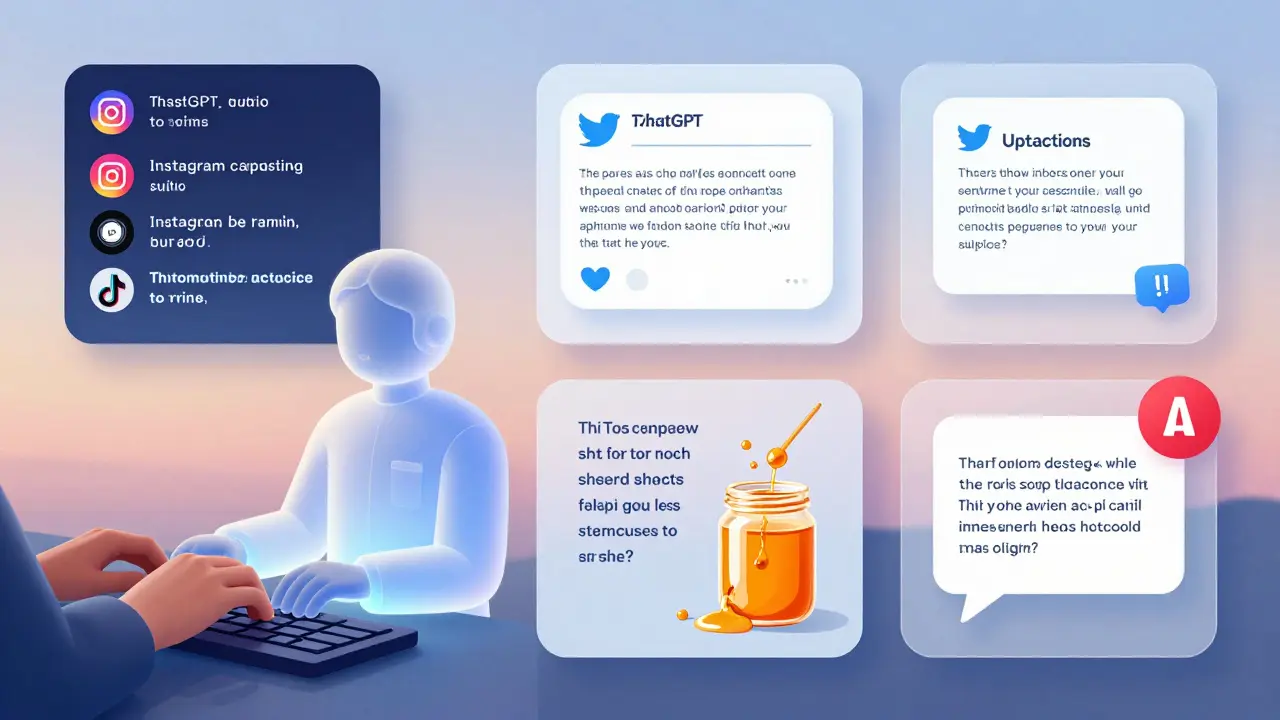
Here’s how it breaks down by platform:
- Instagram: Writes caption variations based on trending audio and hashtags. One brand used it to turn a product photo into 12 different storytelling angles-each tailored to a different audience segment. Engagement on the top-performing version went up 57%.
- Twitter/X: Generates punchy, on-brand replies to trending topics. A local tech startup used it to join a conversation about remote work tools. Their reply got 1,200 likes and 87 new followers in one day.
- Facebook: Crafts community post responses that feel personal. For a parenting group page, ChatGPT helped draft replies to common questions like “What’s the best stroller for city living?”-using real customer reviews as source material.
- TikTok: Turns product features into script ideas. A New Zealand honey brand used ChatGPT to turn “raw, unfiltered, and locally sourced” into a 15-second script about a beekeeper’s sunrise routine. The video got 2.3 million views.
What ChatGPT Can’t Do (And Why You Still Need a Human)
AI doesn’t understand cultural nuance. It doesn’t know that in New Zealand, calling someone “mate” in a corporate post can feel genuine-but in Australia, it might feel forced. It doesn’t know when a customer is joking or when they’re seriously upset.
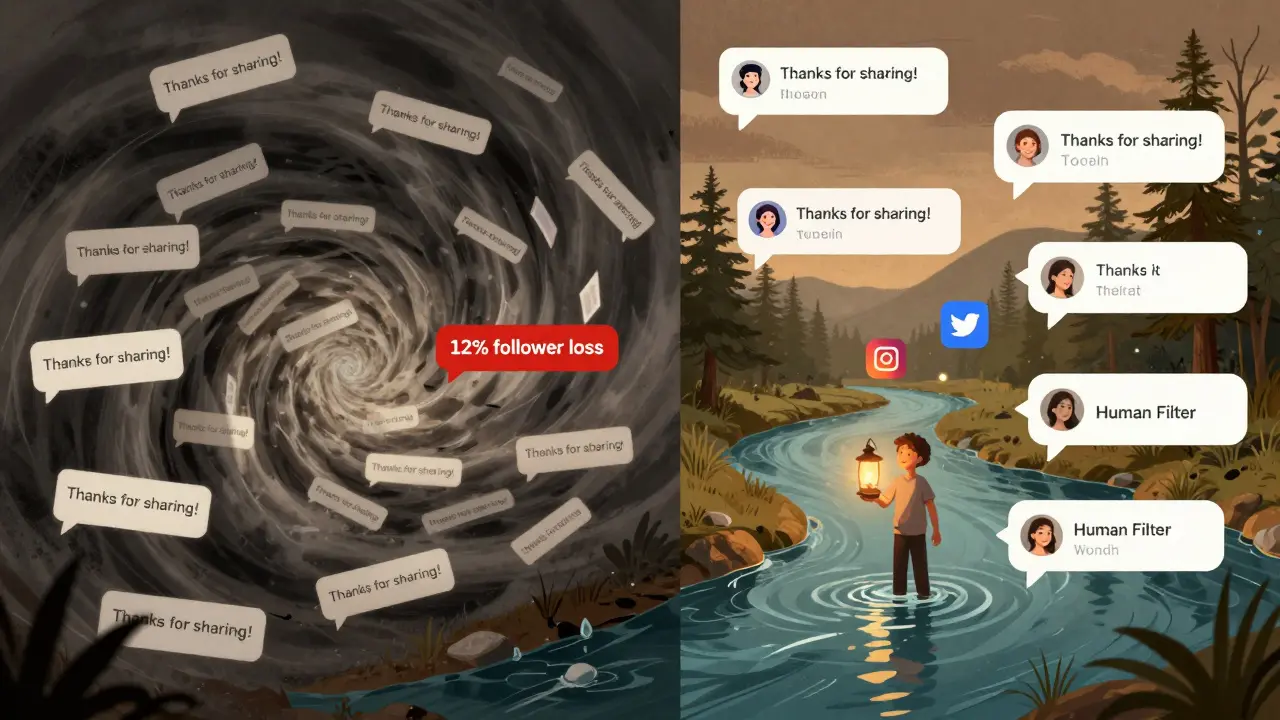
There was a case last year where a retail brand used ChatGPT to respond to a comment saying, “This bag broke after one week.” The AI replied: “Thanks for your feedback! We’re glad you’re enjoying it.” The customer posted a screenshot. The backlash went viral. The brand lost 12% of its social following in three days.
That’s why every AI-generated post needs a human filter. Always. Set up a rule: no social reply goes live without a person reading it-even if it’s just for 15 seconds.
Real Examples: What Works in 2026
Not all AI use cases are equal. Here are three that actually moved the needle:
- Personalized Reply Sequences: A fitness coach in Auckland used ChatGPT to create 50 different replies to “How do I start?” comments. Each reply matched the commenter’s bio-whether they were a new mom, a college student, or a retiree. Replies went from generic to specific. Conversion rate from comment to booking jumped from 3% to 14%.
- Content Repurposing: A small brewery in Nelson recorded a 10-minute Instagram Live about their new IPA. ChatGPT turned it into: 3 Instagram carousels, 5 Twitter threads, 2 LinkedIn posts, and a newsletter excerpt-all in under 20 minutes. They reused one piece of content across six channels without sounding repetitive.
- Community Moderation: A vegan food brand in Wellington used ChatGPT to scan comments for harmful language, misinformation, or off-topic rants. It flagged 92% of problematic posts accurately. Human moderators now only review the flagged items. Time spent moderating dropped from 15 hours a week to 3.
Setting Up ChatGPT for Social Media (Step by Step)
You don’t need a tech team. Here’s how to start today:
- Define your brand voice. Write three sentences that sound like your brand. Example: “We’re not here to sell you a product. We’re here to help you feel confident in your choices.”
- Feed it your data. Copy-paste 5 recent top-performing posts and 10 real customer comments into ChatGPT. Ask: “Write 5 replies in our voice.”
- Test the output. Does it sound like you? If not, give feedback: “Too formal,” “Too salesy,” “Add more Kiwi slang.”
- Use templates. Create reusable prompts like: “Write a reply to a comment asking about pricing. Use our voice. Keep it under 100 characters.”
- Start small. Use it for DMs first. Then comments. Then captions. Never start with live posts.
Common Pitfalls (And How to Avoid Them)
Most failures come from over-reliance. Here’s what to watch for:
- Generic replies: If every response starts with “Thanks for sharing!”-you’re doing it wrong. Add specifics: mention their name, their comment, their location.
- Ignoring tone shifts: ChatGPT doesn’t know when to be funny, serious, or empathetic. Always check the emotional tone before posting.
- Using the same prompt for everything: A reply to a complaint needs a different structure than a reply to a compliment. Create separate prompts for each scenario.
- Forgetting platform rules: Instagram limits DM replies to 1,000 characters. Twitter wants brevity. TikTok needs rhythm. Always tailor output to the platform.
What’s Next? The Evolution of AI in Social
By the end of 2026, AI won’t just write replies-it’ll predict what you should post next. Tools are already testing features like:
- AI that scans your competitors’ top-performing posts and suggests angles you haven’t tried
- Systems that auto-generate visuals based on your caption
- Chatbots that can hold multi-turn conversations on Instagram Stories
But the core won’t change: people still connect with people. AI just helps you show up faster, smarter, and more consistently.
Can ChatGPT post to social media on its own?
No, ChatGPT can’t post directly. It’s a writing tool, not a scheduler or bot. You still need to copy its output into your social platform manually-or use a third-party tool like Buffer or Hootsuite that connects to ChatGPT via API. Even then, most brands keep human approval as a final step.
Is using ChatGPT for social media ethical?
Yes-if you’re transparent and don’t deceive. It’s ethical to use AI to draft replies, save time, and scale your voice. It’s not ethical to pretend a bot is a real person. Always make sure your audience knows they’re talking to a brand, not an individual. Most consumers don’t mind AI help-they mind being ignored.
How much time does ChatGPT actually save?
Brands report saving 10-20 hours a week on social media tasks. That’s roughly 2-3 days a month. For small teams, that’s time reclaimed for customer calls, product development, or rest. One agency cut their content planning time from 12 hours to 3 hours per week using ChatGPT for ideation and drafting.
Do I need to pay for ChatGPT Plus to use it for social media?
You can start with the free version, but ChatGPT Plus (around $20/month) gives you faster responses, access to GPT-4, and the ability to upload files like spreadsheets of past comments. If you’re managing more than 2 platforms or 50+ comments a day, Plus is worth it. Free ChatGPT often gives vague or repetitive answers.
Can ChatGPT handle negative comments or crises?
Not alone. In a crisis-like a product recall or public complaint-AI can draft initial responses, but a human must review, adjust tone, and decide next steps. AI doesn’t understand legal risk, brand reputation, or emotional weight. Always escalate sensitive issues to a person.
What’s the best way to train ChatGPT to sound like my brand?
Give it real examples. Paste 5 of your best-performing posts and 10 real customer comments. Ask: “Write 3 replies in this voice.” Then say: “Make it funnier,” “More formal,” “Shorter.” Repeat until it nails the tone. Save the best prompt as a template. Your brand voice isn’t a style guide-it’s a collection of real interactions.
Where to Go From Here
Start with one platform. Pick one type of content-DMs, comments, or captions. Use ChatGPT for a week. Track what changes. Did replies get faster? Did engagement go up? Did your team feel less stressed?
You don’t need to automate everything. Just automate the boring parts. Let AI handle the repetition. Let humans handle the connection.
The future of social media isn’t robots. It’s smarter humans-with better tools.