
How to Use ChatGPT for Twitter Growth: Content, Strategy & Automation

You spend hours staring at a blank text box, trying to craft the perfect tweet. You hit post, and... crickets. Or worse, you get one like from your mom. Sound familiar? In 2026, the game has changed. It’s no longer just about having a clever thought; it’s about volume, consistency, and data-driven engagement. This is where ChatGPT becomes your unfair advantage on X (formerly Twitter).
We aren't talking about replacing your voice with robotic gibberish. We are talking about using artificial intelligence to brainstorm hooks, schedule threads, analyze sentiment, and reply to comments faster than humanly possible. If you want to grow your presence on X without burning out, you need to leverage these tools correctly.
The Core Problem: Why Your Tweets Aren't Performing
Before we jump into prompts, let's look at why most accounts stall. The algorithm on X favors two things: dwell time and replies. If people don't stop scrolling to read your tweet, or if they don't feel compelled to comment, the platform buries your content. Most users fail because they treat tweets like diary entries rather than marketing assets.
Large Language Models (LLMs) like ChatGPT-4o excel at pattern recognition. They have analyzed millions of high-performing tweets. When you use them effectively, you aren't guessing what works; you are applying proven psychological triggers to your copy.
Step 1: Crafting Viral Hooks with AI
The first line of your tweet is everything. On mobile devices, users only see the first 15-20 characters before the "Show more" fold. If that hook doesn't grab attention, the rest of your thread is dead on arrival.
Here is how to structure your request to ChatGPT:
- Define the audience: Are you talking to developers, marketers, or crypto enthusiasts?
- State the value proposition: What will they learn or gain?
- Specify the format: Ask for curiosity gaps, negative framing, or bold claims.
Example Prompt: "Act as a viral Twitter strategist. Write 5 hook variations for a thread about 'Why remote work is killing productivity.' Use negative bias and specific numbers. Keep each under 280 characters."
When ChatGPT generates these options, pick the one that feels most authentic to your brand voice. Then, tweak it. Add a personal anecdote or a controversial opinion. The AI gives you the skeleton; you add the flesh.
Step 2: Building High-Value Threads
Threads are the king of engagement on X right now. They allow you to tell a story, educate deeply, and keep users on your profile longer. However, structuring a coherent narrative is hard. This is where AI-assisted outlining shines.
Don't ask ChatGPT to write the whole thread in one go. You will get generic fluff. Instead, break it down:
- Outline First: "Create a 7-part outline for a tutorial on [Topic]. Each point must solve a specific pain point for beginners."
- Flesh Out Sections: "Write part 3 of the outline. Use short sentences, bullet points, and include a concrete example from a real-world scenario."
- Add Visual Cues: "Suggest image ideas or chart descriptions for each section to increase readability."
This method ensures logical flow. A common mistake is letting the AI ramble. Force brevity. Tell it: "Use active voice. No jargon. Max 140 characters per tweet."
Step 3: Automating Engagement and Community Management
Growing an account isn't just about posting; it's about replying. But spending three hours a day commenting on other people's posts is unsustainable. Here is where many creators make a critical error: they use bots that spam generic comments like "Great post!" These destroy credibility.
Instead, use ChatGPT to draft personalized responses. Copy a tweet you want to engage with, paste it into ChatGPT, and ask:
"Analyze this tweet. Identify the main argument. Draft a thoughtful, counter-intuitive reply that adds value without being aggressive. Keep it under 50 words."
This approach helps you build genuine relationships. You are still the one hitting send, but the cognitive load is reduced. Over time, you can train the AI on your previous successful replies to mimic your tone more accurately.
Step 4: Analyzing Performance and Iterating
Data is useless without context. You might see that Tweet A got 100 likes and Tweet B got 10. But why? ChatGPT can help you interpret this data if you feed it the right metrics.
Export your last 10 tweets' performance data (impressions, likes, retweets, replies). Paste it into ChatGPT along with the text of the tweets. Ask:
"Compare the top 3 performing tweets against the bottom 3. Identify patterns in length, topic, and tone. Suggest 3 adjustments for my next week's content calendar based on these insights."
This turns raw numbers into actionable strategy. You might discover that your audience loves listicles but ignores opinion pieces. That is a insight worth pivoting around.
Avoiding the "Robot Trap": Keeping Your Human Voice
The biggest risk of using AI on social media is sounding soulless. People follow humans, not algorithms. If every tweet sounds polished and corporate, you will lose trust.
To fix this, apply the "Human Polish" rule:
- Add Imperfections: Use lowercase letters intentionally. Drop punctuation occasionally for speed.
- Inject Emotion: AI struggles with sarcasm, humor, and vulnerability. Add these manually.
- Reference Current Events: LLMs have knowledge cutoffs. Bring in today's news, memes, or trends to show you are alive and relevant.
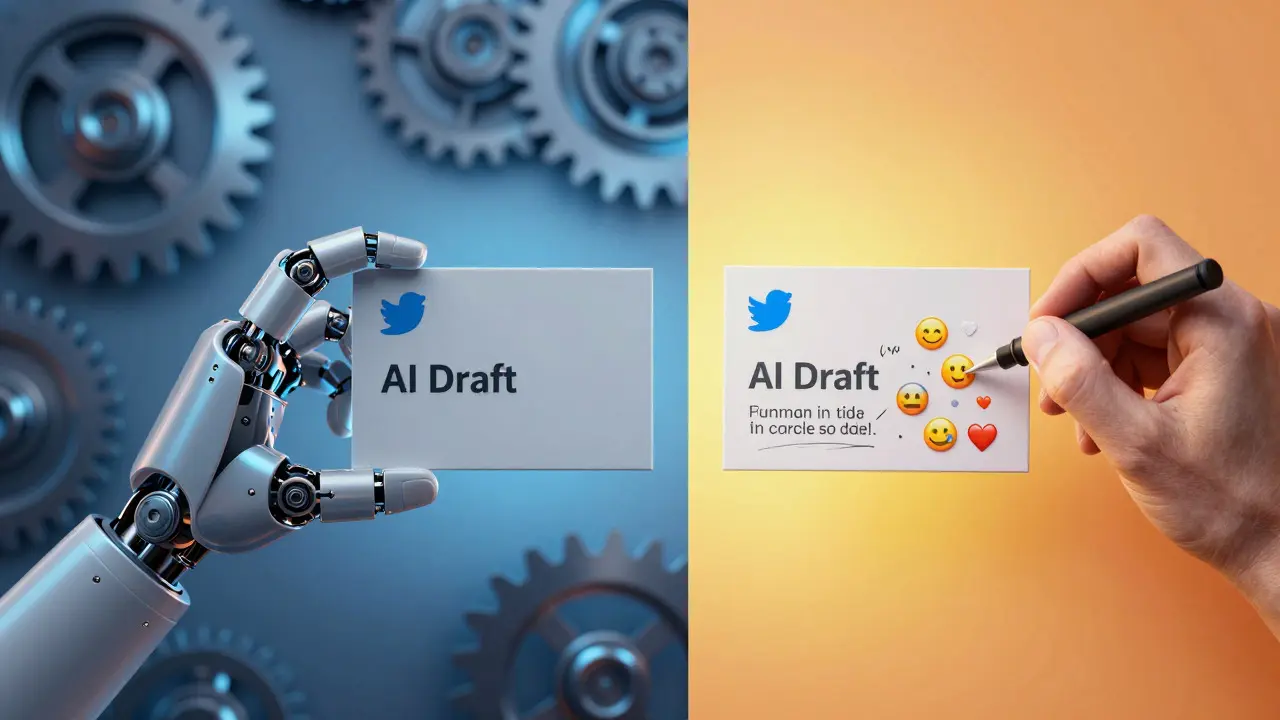
Think of ChatGPT as a junior copywriter who knows everything but lacks taste. You are the editor-in-chief. Your job is to curate, refine, and inject personality.
| Task | Traditional Method | AI-Assisted Method |
|---|---|---|
| Ideation | Brainstorming alone, often stuck | Generate 50 ideas in seconds |
| Drafting Hooks | Writing one by one, high friction | A/B test multiple variations instantly |
| Thread Structure | Linear thinking, easy to lose plot | Logical outlines with clear progression |
| Engagement | Slow, inconsistent replies | Rapid, personalized response drafts |
| Tone Consistency | Varies by mood/day | Consistent baseline, manually adjusted |
Tools That Integrate with ChatGPT
While ChatGPT is powerful on its own, combining it with other tools creates a supercharged workflow. For scheduling, platforms like Buffer or Hootsuite allow you to queue up your AI-generated content. Ensure you space out posts to avoid looking like a bot.
For visual content, pair your text with images generated by DALL-E 3 or Midjourney. Tweets with custom visuals consistently outperform text-only posts. Ask ChatGPT to write detailed prompts for these image generators to ensure the visual matches your tweet's theme.
Common Pitfalls to Avoid
Even with great tools, mistakes happen. Here are the top errors I see:
- Over-Automation: Using tools that auto-post without review. One bad tweet can tank your reputation.
- Ignoring Context: Posting serious news during a holiday weekend. Always check the cultural calendar.
- Hallucinations: AI makes things up. Always fact-check statistics and quotes before posting.
- Repetitive Phrasing: AI loves certain transition words. Vary your sentence starters to keep readers engaged.
Your Action Plan for Next Week
Don't try to overhaul your entire strategy overnight. Start small. Pick one task-say, writing hooks-and delegate it to ChatGPT. Measure the results. Did engagement go up? If yes, expand to thread outlining. If no, refine your prompts.
Remember, the goal isn't to replace yourself. It's to remove the friction between your ideas and the world. By leveraging AI, you free up mental energy to focus on what truly matters: building community and creating unique value that only you can provide.
Can ChatGPT write tweets that sound human?
Yes, but only if you guide it properly. Raw AI output tends to be formal and generic. To make it sound human, instruct ChatGPT to use casual language, contractions, and varied sentence lengths. Always edit the final draft to add personal anecdotes or specific opinions that reflect your unique voice.
Will using AI hurt my Twitter engagement?
Not inherently. The algorithm cares about user behavior, not how the content was created. If your AI-assisted tweets drive clicks, replies, and shares, your reach will grow. The risk comes if the content feels low-effort or irrelevant. Quality control is key.
What is the best ChatGPT model for Twitter content?
As of 2026, GPT-4o is recommended for its ability to handle nuanced instructions and creative tasks efficiently. It understands context better than older models, allowing for more precise tone matching and shorter, punchier outputs suitable for character-limited platforms.
How do I prevent AI hallucinations in my tweets?
Always fact-check specific claims, statistics, and quotes generated by AI. Treat AI as a drafting tool, not a source of truth. Before posting, verify any data points against primary sources. Avoid asking AI for real-time news unless you are using a browsing-enabled plugin and even then, double-check.
Can I use ChatGPT to analyze my competitors on X?
Yes. Copy and paste a competitor's recent high-performing tweets into ChatGPT. Ask it to analyze their tone, structure, and topics. Identify patterns in what resonates with their audience. Use these insights to inform your own content strategy, but ensure you add your unique perspective to stand out.