
How to Transform Your SMM Efforts with ChatGPT: A Practical Guide

Stop staring at a blank text box. We’ve all been there. It’s Monday morning, your coffee is getting cold, and you need five Instagram captions, three LinkedIn posts, and a Twitter thread by noon. The pressure to post consistently on social media is relentless, but the creative energy required to do it well often runs dry before the week even starts. This is where ChatGPT is an advanced artificial intelligence language model designed to generate human-like text, answer questions, and assist with creative tasks. It isn’t just a chatbot; it’s a tireless intern that never sleeps, never complains, and can draft a month’s worth of content in minutes.
Using AI for social media management (SMM) isn’t about replacing your voice-it’s about amplifying it. By integrating ChatGPT into your workflow, you shift from being a writer who struggles for ideas to an editor who curates high-quality output. This guide breaks down exactly how to use this tool to save time, boost engagement, and keep your brand consistent across every platform.
The Quick Win: Why You Need AI in Your SMM Workflow
Let’s be honest: most social media managers spend more time thinking about *what* to post than actually posting. The gap between having a great idea and executing it is where productivity dies. ChatGPT bridges that gap instantly. According to recent industry data, marketers using generative AI report saving up to 10 hours per week on content creation tasks. That’s not just efficiency; that’s freedom to focus on strategy, community building, and analytics.
Think of ChatGPT as your brainstorming partner. You don’t ask it to write your entire life story; you ask it to help you outline a chapter. In SMM, you provide the context, tone, and goal, and it provides the draft. This collaboration reduces the friction of starting from scratch, allowing you to maintain a higher volume of output without sacrificing quality or burning out.
Step-by-Step: Generating Content That Actually Resonates
The biggest mistake people make with ChatGPT is giving vague prompts like “Write a tweet about shoes.” The result? Generic, robotic nonsense that no one will engage with. To get useful results, you need to treat the prompt like a job description. Here is a simple framework to transform your SMM efforts:
- Define the Role: Tell ChatGPT who it is. Example: “Act as a senior social media manager for a sustainable fashion brand.”
- Specify the Platform: Different platforms have different cultures. Example: “Create a LinkedIn post targeting HR directors.”
- Set the Tone: Are you professional, witty, empathetic, or urgent? Example: “Use a conversational yet authoritative tone.”
- Provide Context: Give it the facts. Example: “We are launching a new recycled polyester jacket. Key features: water-resistant, carbon-neutral shipping.”
- Request Specific Output: Don’t just say “write something.” Ask for “3 variations of hooks,” “a carousel script,” or “5 relevant hashtags.”
When you combine these elements, you get a prompt that looks like this: “Act as a social media expert for a tech startup. Write a Twitter thread explaining our new API integration. Keep it under 280 characters per tweet. Use emojis sparingly. Focus on developer ease-of-use.” The difference in output quality is night and day. You’re not just generating text; you’re engineering communication.
Platform-Specific Strategies: Tailoring AI Output
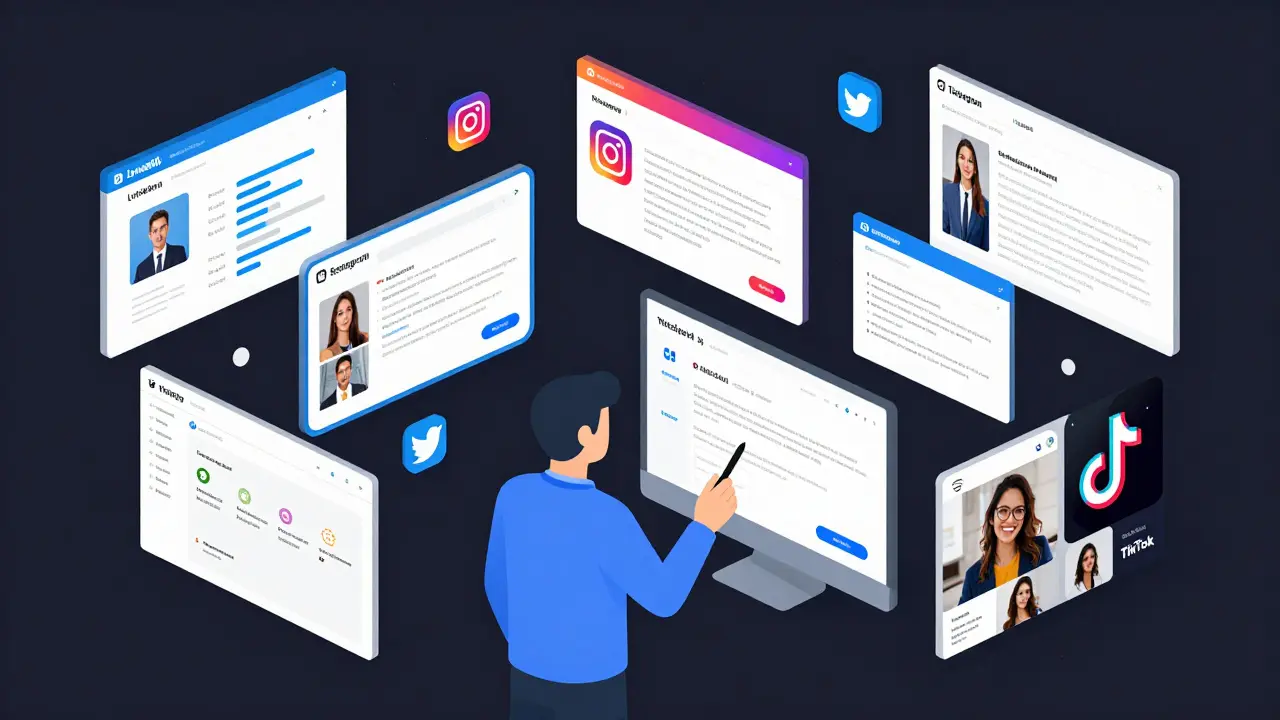
One size does not fit all in social media. What works on TikTok fails on LinkedIn. ChatGPT can adapt its style if you tell it how. Here is how to tweak your approach for major platforms:
| Platform | Key Constraint | Prompt Tip |
|---|---|---|
| Professional, value-driven | Ask for “storytelling hooks” and “industry insights.” Request longer form posts with clear paragraphs. | |
| Visual-first, engaging captions | Ask for “caption options with call-to-actions (CTAs).” Include requests for emoji placement and line breaks for readability. | |
| Twitter/X | Brevity, punchiness | Ask for “thread structures” or “single-tweet hooks.” Emphasize conciseness and strong opening lines. |
| TikTok | Scripted, visual cues | Ask for “video scripts with scene descriptions.” Include timing estimates and trending audio suggestions. |
For example, if you’re managing an Instagram account, you might ask ChatGPT to “Generate 5 caption options for a photo of our team volunteering. Include a question to drive comments and 10 niche-specific hashtags.” For LinkedIn, you’d switch gears: “Draft a thought-leadership post about the future of remote work, citing two recent trends. End with a provocative question.” This specificity ensures the AI respects the unique culture of each channel.
Beyond Captions: Strategic Uses of ChatGPT in SMM
Captions are just the tip of the iceberg. ChatGPT can handle heavier lifting in your social media strategy. Here are three high-impact uses that go beyond basic copywriting:
- Content Calendar Planning: Feed ChatGPT your product launch dates, holidays, and brand pillars. Ask it to “Create a 4-week content calendar with daily themes, post types, and suggested topics.” This gives you a structured roadmap without spending hours on spreadsheets.
- Audience Persona Development: If you’re unsure who you’re talking to, ask ChatGPT to “Develop three detailed buyer personas for a B2B SaaS company targeting small businesses. Include pain points, preferred content formats, and objections.” This helps you tailor your messaging to real human needs.
- Crisis Communication Drafts: When things go wrong, speed matters. Have ChatGPT pre-draft response templates for common issues like shipping delays or service outages. Customize them later, but having a base structure saves precious minutes during a crisis.
These applications turn ChatGPT from a writing assistant into a strategic partner. You’re not just filling slots in a calendar; you’re aligning content with business goals and audience expectations.
The Human Touch: Editing and Ethical Considerations
Here’s the hard truth: ChatGPT can hallucinate. It might invent statistics, misquote sources, or suggest culturally insensitive phrasing. Never publish AI-generated content without human review. Your job shifts from creator to curator. You must fact-check claims, verify tone, and ensure alignment with your brand values.
Transparency is also key. While you don’t need to label every post as “AI-assisted,” avoid passing off generic AI output as deeply personal experience. Audiences crave authenticity. Use ChatGPT to spark ideas, then inject your own anecdotes, opinions, and voice. The best social media content feels human because it is. AI should enhance your humanity, not replace it.
Additionally, be mindful of copyright and originality. While AI generates text based on patterns, it doesn’t own the ideas. Ensure your final output adds unique value and doesn’t inadvertently plagiarize existing content. Always run drafts through plagiarism checkers if you’re concerned about overlap.
Measuring Success: Did AI Actually Help?
You can’t improve what you don’t measure. After implementing ChatGPT into your SMM workflow, track specific metrics to evaluate impact. Look at:
- Engagement Rate: Did AI-assisted posts get more likes, comments, or shares than manually written ones?
- Time Saved: How many hours did you reclaim weekly? Redirect that time to community management or strategy.
- Consistency Score: Were you able to post more frequently without dropping quality?
If engagement drops, revisit your prompting strategy. Maybe the tone was off, or the hooks weren’t compelling enough. If time savings are minimal, you might be over-editing. Trust the AI more for first drafts, then refine. Continuous iteration is the key to mastering any new tool.
Is ChatGPT free for social media marketing?
OpenAI offers a free tier of ChatGPT with limited usage, which is sufficient for occasional use. However, for heavy SMM workflows requiring frequent generation, the paid Plus or Team plans offer faster responses, priority access, and more advanced models like GPT-4, which produce higher-quality, nuanced content.
Can ChatGPT create images for social media?
ChatGPT itself is a text-based model. However, OpenAI has integrated DALL-E, an image generation tool, into some versions of ChatGPT. You can ask it to “Generate an image of a minimalist logo for a coffee shop” and it will create visual assets. For more complex design needs, dedicated tools like Midjourney or Adobe Firefly may still be preferable.
Will AI-generated content hurt my SEO or social reach?
Not if used correctly. Search engines and social platforms prioritize user value. If AI helps you create helpful, accurate, and engaging content, it won’t penalize you. The risk comes from publishing low-effort, duplicate, or misleading content. Always add human insight and verification to maintain quality standards.
How do I keep my brand voice consistent with AI?
Create a brand voice guide and feed it to ChatGPT as context. Include examples of past successful posts, tone descriptors (e.g., “friendly but professional”), and forbidden phrases. Over time, refine your prompts based on which outputs resonate best with your audience. Consistency comes from clear instructions, not magic.
What are the best practices for prompting ChatGPT for SMM?
Be specific, provide context, and iterate. Start with a role definition, specify the platform and audience, set the tone, and request concrete outputs. Test different prompt variations to see what yields the best results. Treat prompting as a skill that improves with practice and feedback.